High ping is one of the most frustrating problems I have faced while gaming. Everything can look perfectly fine on the screen, but suddenly my character stops moving, shots register late, or I get disconnected from the match. When this happens during an important game, it can completely ruin the experience.
Ping is basically the time it takes for data to travel between your device and the game server and then return. It is usually measured in milliseconds, or ms. A lower ping generally means a faster response between your actions and the game server. A higher ping creates noticeable delays.
In my experience, high ping does not always mean that I need a faster internet package. Sometimes the problem is caused by WiFi interference, background downloads, a distant game server, network congestion, outdated network drivers, or even problems on the game server itself.
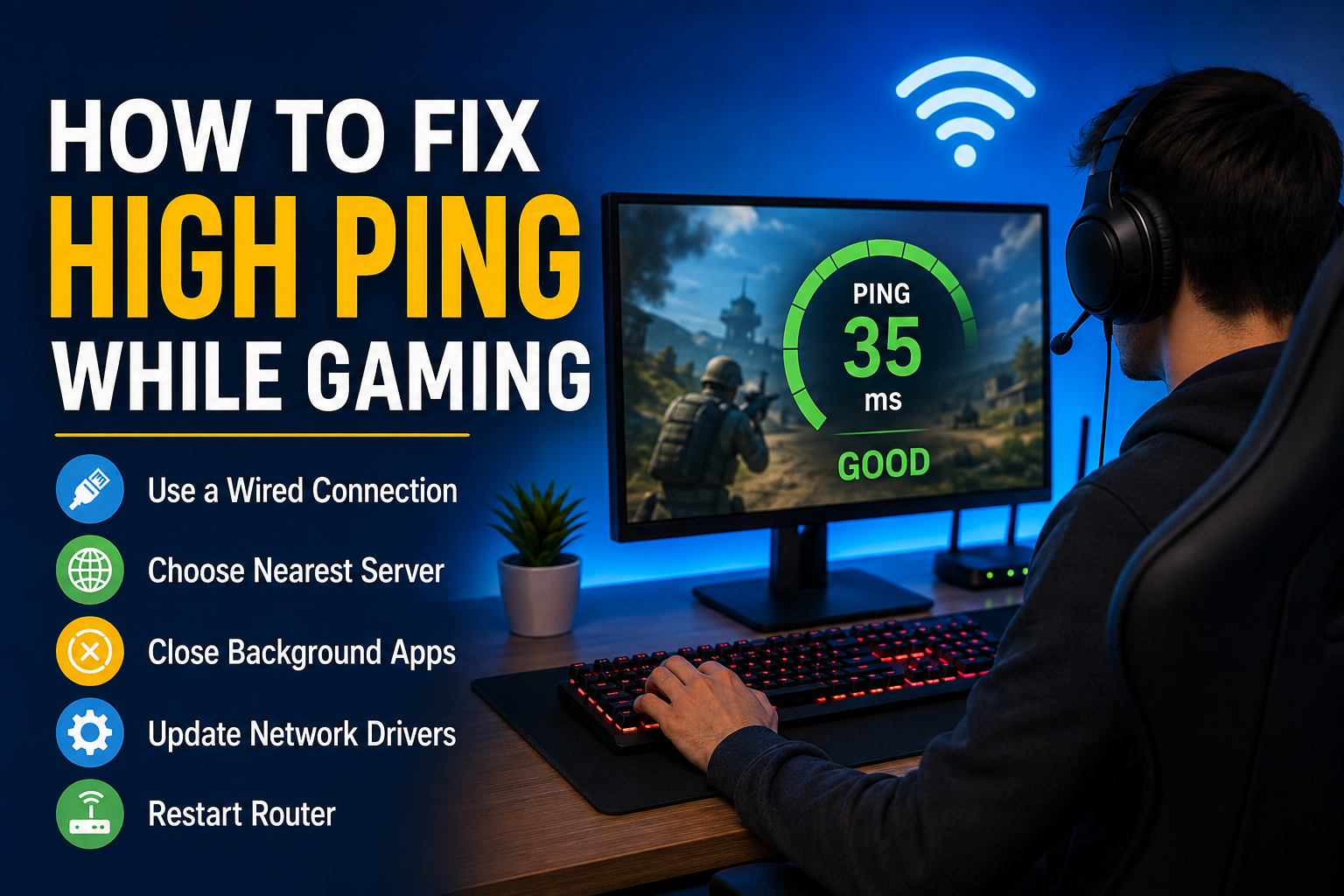
If you are dealing with high ping while gaming, here are the methods I would try first.
Check Your Internet Connection
The first thing I recommend is checking whether the problem is actually coming from your internet connection. Open a few websites or stream a video and see whether they load normally.
You can also run an internet speed test. Speed is important, but do not focus only on download and upload speed. Your connection stability and latency are also important for gaming.
If your internet speed looks normal but your ping is still very high, the issue may be related to routing, WiFi, your ISP, or the game server.
I personally prefer checking the connection before changing any gaming settings because it helps me understand where the problem is coming from.
Restart Your Router
This sounds like a very simple solution, but restarting the router can sometimes fix temporary connection problems.
Turn off your router and wait for around 30 seconds before turning it back on. Allow it a few minutes to reconnect to the internet and then start your game again.
Routers can sometimes experience temporary issues after running continuously for a long time. Restarting the device can refresh the connection and remove some temporary network problems.
I would not restart the router every time ping increases, but it is definitely one of the easiest things to try.
Use an Ethernet Cable
If you are gaming over WiFi, switching to an Ethernet connection can make a noticeable difference.
WiFi is convenient, but wireless signals can be affected by walls, distance, other electronic devices, and network congestion. An Ethernet cable gives your gaming device a direct wired connection to the router.
When I want the most stable gaming connection possible, I prefer Ethernet whenever it is practical.
You may also notice fewer sudden ping spikes and less packet loss. This can be especially useful for competitive games where even a small delay can affect your performance.
Move Closer to the Router
If Ethernet is not an option, try moving your gaming device closer to the router.
The farther your computer or console is from the router, the weaker the wireless signal can become. Thick walls and floors can make the situation worse.
I would also avoid placing the router inside a cabinet or behind large objects. Keeping it in a more open and central position can help improve wireless coverage.
Even moving your device to another room with a stronger signal can sometimes reduce connection instability.
Stop Background Downloads
One of the most common reasons for high ping is network activity happening in the background.
Your computer, phone, console, or another device connected to your network may be downloading updates or uploading files while you are playing.
For example, a large game update running in the background can consume a significant amount of bandwidth. Cloud storage applications can also upload files without making it obvious.
Before starting an online game, I usually check whether anything is downloading in the background. Closing unnecessary applications can help keep more of the available connection focused on the game.
Disconnect Devices You Are Not Using
If many devices are connected to the same WiFi network, they can compete for bandwidth.
Phones, smart TVs, tablets, laptops, cameras, and other devices may all use the internet in the background.
This does not necessarily mean you need to disconnect every device in your home. However, if your connection is limited, reducing unnecessary network activity can help.
I would especially check for devices that are streaming high quality videos, downloading large files, or performing automatic backups.
Choose the Closest Game Server
Many online games allow players to select a server or region.
If the game automatically chooses a server that is far away from your actual location, your ping can become much higher.
For example, if you are physically located in Asia but the game connects you to a server in Europe, the data has to travel a much longer distance.
Whenever the game provides server options, I recommend choosing the server that is geographically closest to you. A nearby server usually gives you better latency.
Some games automatically select the best server, but checking the settings is still worth doing.
Avoid Gaming During Network Congestion
Internet performance can change depending on the time of day.
During busy hours, many people in your area may be using the internet at the same time. This can sometimes increase latency or cause unstable connections.
I have noticed that some connections perform differently during peak hours compared with quieter periods.
If your ping is consistently high only during certain times, try testing your connection at different hours. If the problem follows a specific pattern, your ISP may be experiencing congestion.
Close Unnecessary Applications
Your gaming computer may be running many applications that you do not actually need while playing.
Web browsers, launchers, cloud storage programs, communication apps, update services, and other software can use system resources and sometimes network bandwidth.
Before starting a game, close anything unnecessary.
I would not recommend randomly ending important Windows processes. Instead, focus on applications that you recognize and do not need during the gaming session.
This can help reduce unnecessary network activity and also free some system resources.
Update Network Drivers
Outdated or corrupted network drivers can sometimes cause connection problems.
If you are gaming on a Windows PC, check whether your Ethernet or WiFi adapter has an available driver update.
You can usually find your network adapter through Device Manager in Windows. From there, you can check the driver information and look for an updated version from the hardware manufacturer.
I recommend getting drivers from reliable sources, preferably the official manufacturer website.
Keeping your network drivers updated can improve compatibility and may fix certain connection related problems.
Check for Packet Loss
High ping and packet loss are related but they are not exactly the same problem.
Ping measures how long data takes to travel, while packet loss happens when some data does not successfully reach its destination.
You might experience normal ping most of the time but still have sudden lag because packets are being lost.
If your game shows network statistics, look for packet loss information. Some games display ping, packet loss, and connection quality directly on the screen.
If packet loss is consistently high, the problem could be your WiFi connection, router, ISP, or the route between your ISP and the game server.
Restart Your Gaming Device
Sometimes the simplest solution is to restart your computer or console.
A device that has been running for a long time may have background processes, temporary software problems, or network issues affecting performance.
Restarting gives the system a fresh start.
I usually try this before spending a lot of time changing advanced network settings. If the problem disappears after restarting, it may have been a temporary issue.
Check Whether the Game Servers Are Having Problems
Sometimes your internet connection is not the problem at all.
Game servers can experience outages, maintenance, heavy traffic, or technical problems. When this happens, players from different locations may experience high ping, lag, or disconnections.
If your ping suddenly becomes high while everything else on your internet connection seems normal, check the game’s official status page or social media accounts.
It is important to identify server side problems before changing your own network configuration.
Consider Using Quality of Service Settings
Some modern routers include a feature called Quality of Service, often known as QoS.
QoS can help prioritize certain types of network traffic. Depending on the router, you may be able to prioritize your gaming device over other devices on the network.
For example, if someone in your home is downloading a large file while you are playing, QoS may help manage the traffic more effectively.
The exact settings are different for every router, so I would check the manufacturer’s instructions before changing advanced options.
Contact Your Internet Provider
If you have tried the basic solutions and your ping remains unusually high, it may be time to contact your internet provider.
Tell them that you are experiencing high latency or unstable connectivity while gaming. If possible, provide information about when the problem happens and whether it occurs with different game servers.
You can also ask whether there are known network problems in your area.
Sometimes an ISP can identify routing or line issues that are difficult to diagnose from your side.
Final Thoughts
High ping can make online gaming extremely frustrating, but it does not always mean that you need to upgrade your internet plan.
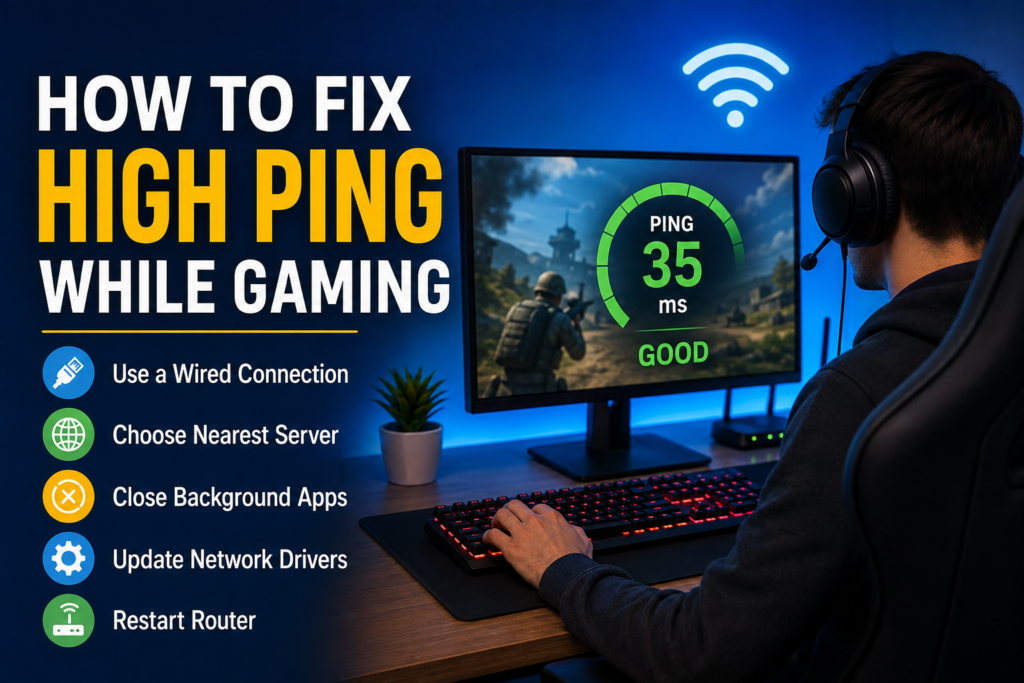
In my experience, the best approach is to find the actual cause instead of changing everything at once. I would start by testing the internet connection, restarting the router, using Ethernet if possible, stopping background downloads, and selecting a nearby game server.
If the problem continues, I would check for packet loss, update network drivers, test at different times, and investigate whether the game servers or ISP are having problems.
A stable gaming connection is not only about having high internet speed. Latency, connection stability, server location, WiFi quality, and network congestion can all affect the gaming experience.
Once you identify what is causing the high ping, the solution is usually much easier. With a stable connection and a nearby server, games can feel much more responsive and enjoyable.