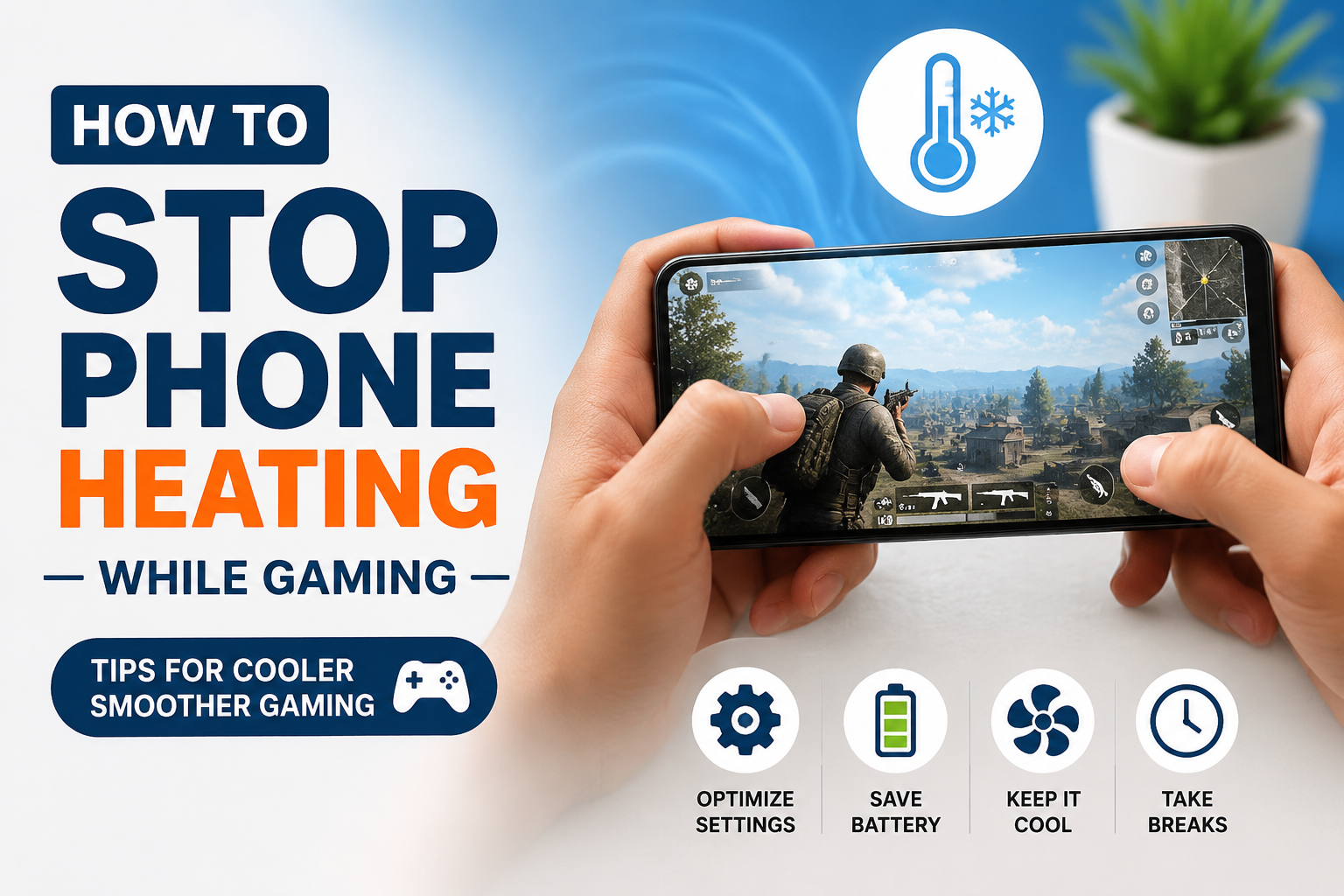
I enjoy playing games on my phone, especially when I have some free time and want to relax. However, one problem that can quickly ruin the gaming experience is phone heating. After playing a demanding game for a while, I can often feel my phone becoming warm in my hands. If the gaming session continues, the phone may become noticeably hot, the battery can drain faster, and the game may start losing performance.
Phone heating while gaming is quite common, but that does not mean I should simply ignore it. In my experience, a few simple changes can make a big difference. I have found that managing game settings, reducing background activity, keeping the phone in a cool place, and taking short breaks can help control the temperature.
In this article, I will explain the methods I personally find useful for reducing phone heating while gaming.
Why Does My Phone Heat Up While Gaming?
Before trying to solve the problem, I think it is important to understand why it happens. Modern mobile games can put a lot of pressure on the phone. Games with detailed graphics, large maps, online multiplayer features, and high frame rates require the processor and graphics hardware to work continuously.
When the processor and graphics hardware work harder, they produce more heat. The battery is also being used heavily during gaming, which can add additional warmth.
I have noticed that heating becomes more noticeable when I play demanding games for a long period without a break. Charging the phone while playing can make the situation even worse because the battery is already receiving power while also being heavily used.
Lower the Game Graphics Settings
One of the easiest things I recommend is lowering the graphics settings inside the game. Many games automatically select high or ultra graphics depending on the phone hardware.
Although high graphics can make a game look beautiful, they can also increase the workload on the processor and graphics hardware.
I usually try reducing settings such as texture quality, shadow quality, reflection quality, and visual effects. In many games, the difference in image quality is not very noticeable during fast gameplay, but the reduction in hardware workload can be significant.
If my phone becomes very hot, I prefer stable gameplay over maximum graphics. A smooth gaming experience is more enjoyable to me than having the highest possible visual quality.
Reduce the Screen Brightness
The display is another part of the phone that consumes power. Keeping brightness at maximum for a long gaming session can increase battery usage and contribute to additional heat.
I normally keep the brightness at a comfortable level rather than using maximum brightness. If I am playing indoors, there is usually no reason to keep the screen extremely bright.
A slightly lower brightness can also help the battery last longer. I think this is one of the simplest changes because it does not require installing anything or changing complicated settings.
Avoid Playing While Charging
This is one of the most important habits I recommend. Playing demanding games while the phone is charging can cause the temperature to rise much faster.
During charging, the battery is already working with incoming electrical power. At the same time, gaming puts additional pressure on the processor, graphics hardware, display, and other components.
Whenever possible, I prefer charging my phone before starting a long gaming session. If the battery becomes low during gaming, I take a break and charge it instead of continuing to play while the charger is connected.
This simple habit can make a noticeable difference in temperature.
Remove the Phone Case While Gaming
Phone cases are useful because they protect the device from scratches and accidental drops. However, some thick cases can make it harder for heat to escape from the phone.
When I know I am going to play a demanding game for a long time, I sometimes remove the case. This allows the back of the phone to release heat more easily.
I would not recommend removing the case if there is a high chance of dropping the phone. Safety should always come first. However, if I am sitting somewhere safe and the phone is becoming unusually hot, removing a thick case can be worth trying.
Close Unnecessary Background Apps
Before starting a demanding game, I like to close apps that I am not using. Background applications can consume processor resources, memory, network activity, and battery power.
Social media apps, video applications, browsers, and other services may continue performing tasks in the background. While modern phones are designed to manage multiple applications, reducing unnecessary activity can still help during intensive gaming.
I do not recommend constantly force closing every application on the phone. Instead, I focus on closing applications that are actively using resources or running unnecessary tasks.
Keep Your Phone Away From Direct Sunlight
The environment around the phone can have a major effect on temperature. If I play games in direct sunlight, the phone can become hot much faster.
For this reason, I prefer gaming indoors or in a shaded and well ventilated area. I also avoid placing the phone on surfaces that trap heat.
For example, placing a hot phone under a pillow, blanket, or thick fabric is not a good idea. I prefer keeping it on a hard and open surface where air can move around it.
Take Short Gaming Breaks
Sometimes the simplest solution is to give the phone a break. I know it can be tempting to continue playing when I am in the middle of an important match, but constant gaming can gradually increase the temperature.
I usually take a short break after a long gaming session. Even a few minutes can allow the phone to cool down naturally.
Taking breaks also helps me avoid excessive battery drain and gives my hands and eyes a chance to rest. I believe this is better than waiting until the phone becomes extremely hot.
Reduce the Frame Rate
Many modern mobile games allow users to choose a frame rate. Higher frame rates can make games feel smoother, but they also require more processing power.
If my phone becomes hot while running a game at a high frame rate, I try lowering the frame rate. For example, moving from an extremely high frame rate to a moderate setting can reduce the workload while still providing smooth gameplay.
I think this is especially useful on phones that are not designed for long high performance gaming sessions.
Keep the Phone Software Updated
Software updates can sometimes improve performance and power management. Game developers may also release updates that fix bugs or improve how their games work on different devices.
I try to keep my phone operating system and important games updated. However, I also avoid installing unnecessary applications simply because they claim to cool the phone.
Many so called phone cooling applications do little more than close background apps or display temperature information. I prefer using the built in tools provided by the phone manufacturer whenever possible.
Avoid Extreme Gaming Settings
Some phones include special gaming modes that allow users to increase performance. These modes can be useful, but maximum performance is not always necessary.
If I am playing a simple game, I do not need every performance option enabled. I prefer using settings that provide a good balance between performance, battery life, and temperature.
For demanding games, I usually start with moderate settings and increase them only if the phone remains comfortable in terms of temperature.
Check Battery Health
An older battery can sometimes behave differently from a newer battery. If the phone has been used for several years and heating has become noticeably worse, battery condition may be worth considering.
I pay attention to other warning signs as well. If the battery drains unusually fast, the phone becomes extremely hot during normal tasks, or the device behaves strangely, I would consider getting it checked by a qualified technician.
I would not recommend opening the phone myself because the battery and internal components can be damaged easily.
Do Not Put a Hot Phone in the Refrigerator
When a phone becomes very hot, some people may think that placing it in a refrigerator or freezer is a quick way to cool it down. I would avoid doing this.
Rapid temperature changes can create condensation inside the device, which can potentially cause serious damage. Instead, I let the phone cool naturally in a shaded and ventilated place.
If the phone feels extremely hot, I stop gaming, disconnect it from the charger if it is connected, remove the case if appropriate, and allow it to return to a normal temperature.
Use a Reliable Charger
A poor quality charger or damaged charging cable can create additional problems. I prefer using the charger and cable recommended by the phone manufacturer or a reliable certified alternative.
Fast charging is convenient, but it can also generate heat. If I am not in a hurry, I prefer charging the phone before gaming instead of relying on fast charging during a gaming session.
My Simple Routine for Cooler Gaming
When I want to play for a long time, I follow a simple routine. First, I make sure the battery has enough charge. Then I lower the screen brightness to a comfortable level and check the game graphics settings.
I close unnecessary applications and make sure the phone is not sitting in direct sunlight. If I am using a thick case, I may remove it while playing in a safe location.
During gaming, I keep an eye on the temperature and performance. If the phone starts becoming unusually hot or the game begins slowing down, I take a break.
This routine does not require expensive accessories or special software. For me, simple habits are usually enough to keep the phone at a more comfortable temperature.
Final Thoughts
Phone heating while gaming is something many mobile gamers experience, especially when playing demanding games for long periods. A certain amount of warmth is normal because the processor, graphics hardware, display, and battery are working harder than they would during ordinary phone use.
The important thing is to avoid unnecessary heat and pay attention when the temperature becomes excessive. From my experience, lowering graphics settings, reducing brightness, avoiding gaming while charging, closing unnecessary background activity, keeping the phone away from sunlight, and taking regular breaks can make gaming much more comfortable.
I do not believe I need expensive cooling accessories just to enjoy mobile games. In most situations, managing the phone properly and choosing sensible game settings can provide a good balance between performance and temperature.
If my phone becomes extremely hot repeatedly, even during normal use, I would not ignore the problem. I would check the battery condition, software, charger, and other possible causes and seek professional help if necessary.
For me, the best gaming setup is not always the one that gives the highest graphics or frame rate. It is the setup that lets me enjoy the game smoothly without putting unnecessary stress on the phone. A little attention to temperature can help protect the device, improve battery life, and make long gaming sessions much more enjoyable.