Mobile games have become much bigger than they used to be. I remember when I could install a game on my phone without thinking much about storage. Today, many mobile games come with large downloads, extra maps, high quality graphics, voice files, updates, and additional content. Sometimes a game that initially looks small can take several gigabytes after a few updates.
For me, running out of storage is one of the most annoying problems when playing mobile games. It can stop a new game from installing, prevent updates from downloading, and even make the phone feel slower. The good thing is that I do not always need to delete my favorite games to solve the problem. There are several simple ways to free up storage while keeping the games I actually enjoy.
In this article, I will share the methods I personally find useful for freeing up storage for mobile games.
Check What Is Using Your Storage
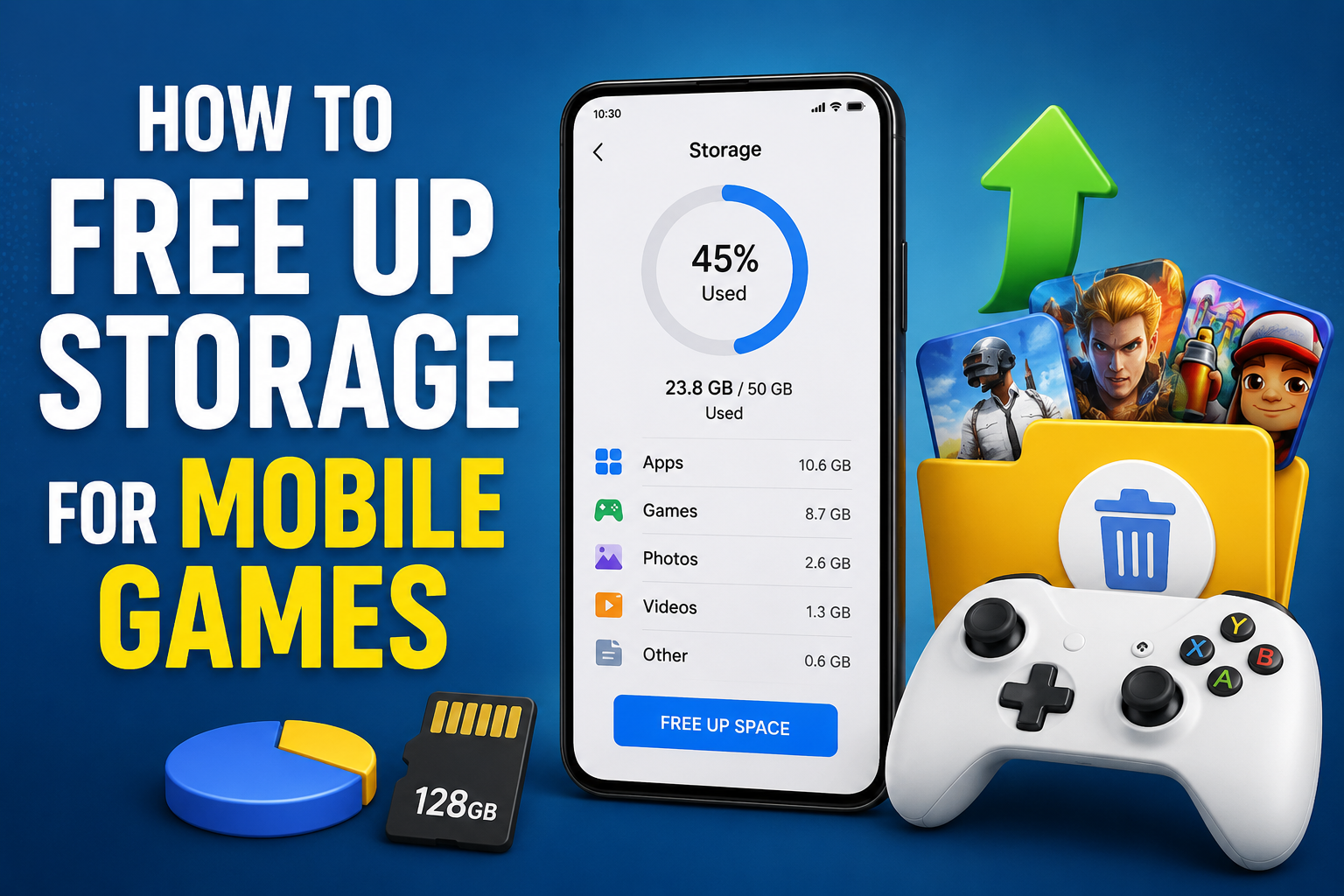
The first thing I do when my phone starts showing a storage warning is check what is taking up space. There is no point in randomly deleting files when I do not know where the storage is going.
Most Android phones have a storage section inside Settings. iPhones also provide storage information through Settings. These sections normally show how much space is being used by apps, photos, videos, documents, and other files.
I usually start by checking the largest categories. Sometimes I discover that games are not even the biggest problem. Old videos, downloaded files, social media data, and unused applications can quietly take up a lot of space.
Once I know what is using the storage, it becomes much easier to decide what I can safely remove.
Delete Games I No Longer Play
One of the easiest ways to free up storage is to remove games that I no longer play.
I have installed games because they looked interesting, played them for a few days, and then completely forgot about them. Keeping those games installed does not make much sense if I am not using them.
Some modern mobile games can take several gigabytes of storage. Removing just two or three large games can sometimes create enough space for several new applications.
Before uninstalling a game, I check whether my progress is connected to an account or cloud service. If the game supports account based saving, I make sure my progress is synchronized first.
I also avoid deleting games that I regularly play just because I need temporary storage. Instead, I first look for other files that I can remove.
Remove Unused Apps
Games are not the only applications that consume storage. Many phones contain apps that have not been opened for months.
I personally like reviewing my installed apps every few months. If I find something I have not used for a long time and do not really need, I remove it.
This is especially useful when preparing to install a large game. A few small apps may not seem important individually, but removing several unused apps can create a surprising amount of free space.
Some phones also provide recommendations for unused applications. These recommendations can make the cleaning process much easier.
Clear Temporary App Data
Applications can create temporary files while they are running. Over time, these files can become larger than expected.
On Android devices, some apps allow users to clear their cache through the app settings. I find this particularly useful when an application has collected a large amount of temporary data.
However, I always pay attention to the difference between clearing cache and clearing app data. Clearing cache generally removes temporary files, while clearing app data can reset an application and remove locally stored information.
Because of this, I avoid pressing buttons without knowing what they do. If I am unsure, I check the app settings or official instructions first.
Remove Old Downloads
The Downloads folder is another place I regularly check.
When I download documents, videos, images, or other files, I sometimes forget about them. After several months, the folder can become surprisingly large.
I usually open the file manager on my phone and sort files by size. Large files that I no longer need are the first ones I consider removing.
This method can be much more effective than deleting dozens of tiny files. One old video can take more storage than hundreds of small documents.
I also check folders created by browsers and other applications. If I know a file is no longer useful, I remove it.
Clean Up Photos and Videos
Photos and videos can consume huge amounts of storage, especially if the phone has a good camera.
I enjoy taking screenshots and recording gaming moments, but I have noticed that these files can quickly build up. Old screen recordings are particularly large.
I regularly review my gallery and remove duplicate photos, accidental screenshots, old recordings, and videos that I no longer want.
For important photos and videos, I use a trusted cloud backup service or transfer them to another storage device. This allows me to keep memories without keeping every large file on my phone.
I recommend checking that important files are properly backed up before deleting them from the device.
Remove Old Screen Recordings
Gaming can produce a lot of screen recordings.
Sometimes I record a match, tutorial, achievement, or interesting moment and forget to delete it later. A few recordings may not seem like much, but high resolution videos can become very large.
I usually keep recordings that have real value and remove the rest. If I want to save a particular gaming video, I can move it somewhere else instead of keeping it permanently on my phone.
This simple habit can free up a significant amount of storage.
Check In Game Downloaded Content
Some mobile games allow players to download optional content. This can include extra maps, voice packs, high resolution textures, cinematic videos, or additional resources.
I think this is one of the most overlooked causes of large game sizes.
If a game offers a resource manager, I check whether there are optional files that I no longer need. Some games allow players to remove unused resources directly from their settings.
For example, if I downloaded a language pack that I never use, removing it may save storage without uninstalling the entire game.
Not every game provides this option, so I always check the game’s own settings first.
Avoid Keeping Too Many Offline Files
Many apps allow offline downloads. Music, videos, podcasts, maps, and other content can all take up storage.
Offline content is useful when I do not have an internet connection, but I do not need everything permanently stored on my phone.
I regularly review downloaded content and remove anything I have already watched or listened to. This gives me more space for games without affecting the applications themselves.
Use Built In Storage Management Tools
Modern smartphones often include storage management tools.
These tools can identify large files, duplicate files, unused applications, and other items that may be removed. I prefer using these built in features because they are designed specifically for the device.
Some phones can also automatically remove temporary files or suggest files that are safe to delete.
Before confirming any cleanup, I still review the suggestions. I do not like deleting something important simply because an automatic tool marked it as unnecessary.
Keep Some Free Space Available
I have learned that freeing storage only when the phone is completely full is not the best approach.
A phone needs some free space for updates, temporary files, application operations, and other system tasks. When storage becomes extremely low, the device can become inconvenient to use.
For that reason, I try to maintain a reasonable amount of free storage instead of filling every available gigabyte with games.
This also makes installing game updates much easier.
Move Personal Files Somewhere Else
If I have many important files but do not need them every day, I can move them away from my phone.
Depending on the device and my needs, I can use cloud storage, a computer, or another supported storage option.
I find this approach useful because it lets me keep important files while creating more room for games.
The key is to make sure there is a reliable copy before removing anything from the phone.
Be Careful With Cleaning Apps
There are many applications that promise to clean phones and create free storage. Some can be useful, but I do not install random cleaning applications just because they advertise huge storage savings.
I prefer using the storage management tools already provided by my phone. If I decide to use a third party application, I first check its reputation, permissions, and privacy information.
A cleaning application should not require unnecessary access to personal information.
Restart the Phone After Cleaning
After removing a large amount of data, I sometimes restart my phone.
A restart can help the system refresh its storage information and clear temporary processes. It is a simple step, but I find it useful after making several changes.
I also check the storage section again afterward to see how much space I actually recovered.
My Simple Storage Routine
The easiest way I have found to manage mobile game storage is to make it a regular habit.
Every few weeks, I check my installed games and applications. I remove games I no longer play, clean old downloads, review screen recordings, delete unnecessary videos, and check for large files.
I also look inside games that have their own resource management options. This prevents storage problems from becoming a surprise when I want to install a new game.
Final Thoughts
Freeing up storage for mobile games does not always mean deleting the games I love. In my experience, the biggest improvements usually come from cleaning things I have forgotten about.
Old videos, screenshots, downloads, unused applications, offline content, and unnecessary game resources can quietly consume a huge amount of space. By checking storage regularly and removing files carefully, I can keep enough room for new games and important updates.
I also believe that keeping some free storage is better than waiting until the phone becomes completely full. A little regular maintenance can save a lot of frustration later.
If gaming is an important part of how I use my phone, managing storage becomes part of the experience. Once I develop the habit of checking large files and unused content, keeping enough space for mobile games becomes much easier.