When I first started thinking about building a gaming setup, I thought I would need to spend a huge amount of money to get something good. I used to see expensive gaming desks, powerful computers, RGB lights, gaming chairs, large monitors, and other accessories online. It made gaming setups look much more expensive than they actually need to be.
After learning more about gaming hardware and comparing different options, I realized that a good gaming setup does not have to be expensive. If you are a beginner, you can build a comfortable and enjoyable gaming setup by focusing on the things that actually improve your gaming experience.
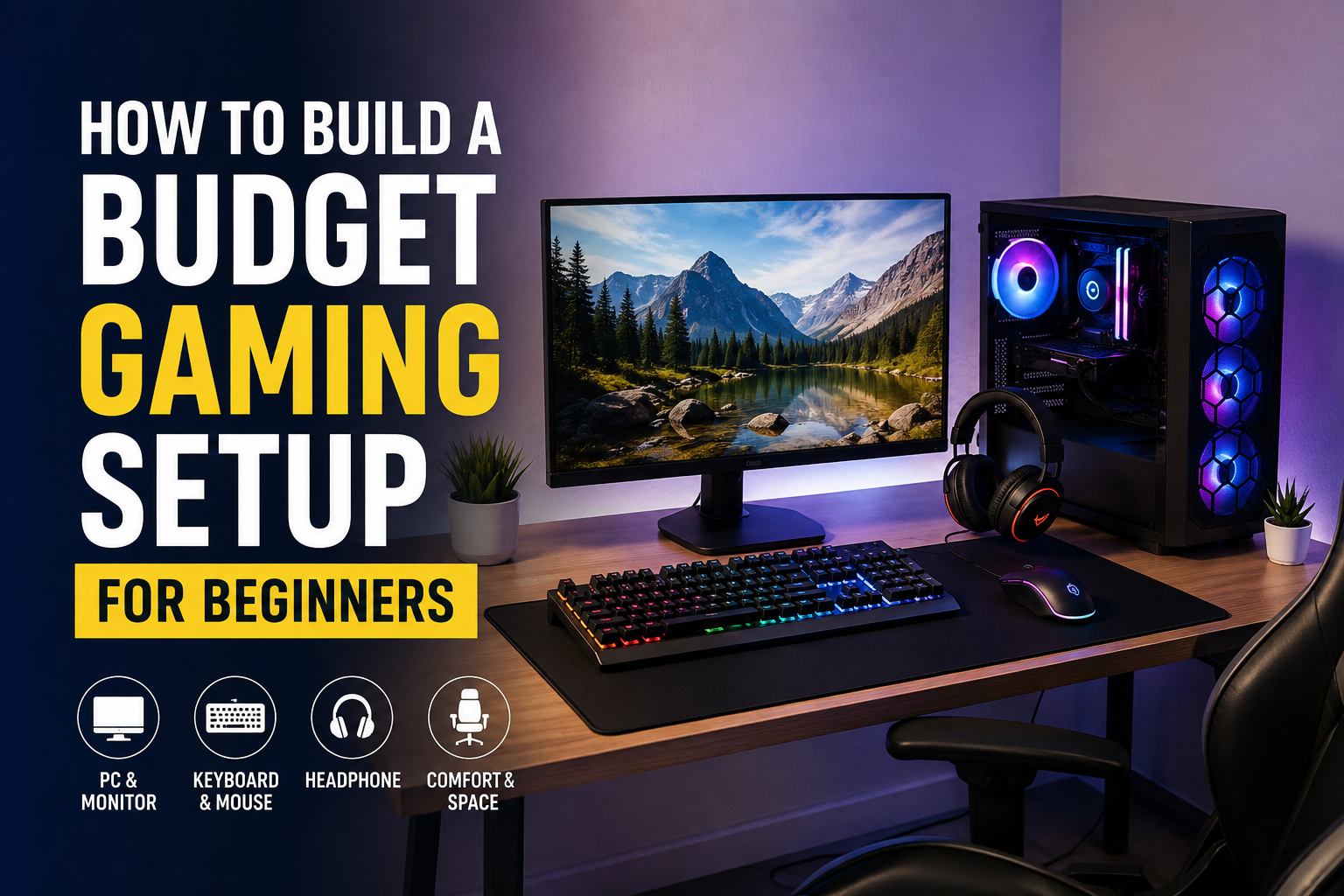
In this guide, I will explain how I would build a budget gaming setup from scratch. I will focus on practical choices, saving money, and avoiding unnecessary purchases.
Start With Your Budget
The first thing I recommend doing is deciding how much money you can comfortably spend. This sounds simple, but it can save you from making unnecessary purchases.
Before buying anything, I would divide my budget into different sections. The computer or gaming console should receive the largest portion because it has the biggest impact on gaming performance. After that, I would consider the monitor, keyboard, mouse, headphones, desk, and chair.
For a beginner, I would not try to buy everything at once. If your budget is limited, start with the most important equipment and add accessories later.
For example, there is no reason to spend a large amount of money on RGB lighting when your computer cannot run your favorite games properly. Performance and comfort should come before appearance.
Choose Between a Gaming PC and Console
One of the biggest decisions is choosing between a gaming PC and a console.
If I wanted a simple gaming experience without worrying about hardware upgrades, I would consider a console. Consoles are usually easier to set up because you connect them to a display, install your games, and start playing.
A gaming PC offers more flexibility. You can use it for gaming, studying, working, browsing the internet, editing videos, and many other activities. You can also upgrade individual components in the future.
For someone who wants to learn about computer hardware and possibly upgrade their system over time, I think a budget gaming PC is a great choice.
However, if your main goal is simply playing games and you do not want to deal with computer hardware, a console may be the better option.
Focus on Gaming Performance
If you choose a PC, I recommend putting most of your budget into the components that affect gaming performance.
The graphics card is especially important for modern games because it handles much of the visual processing. The processor is also important because it affects overall system performance and can influence gaming performance.
You should also have enough RAM. For a modern beginner gaming PC, I would generally aim for at least 16GB of RAM if the budget allows.
Storage is another area where I would not try to save too much money. An SSD can make the computer feel much faster than an older mechanical hard drive. Games and applications can also load more quickly from an SSD.
I would rather have a simple looking computer with good performance than an expensive looking computer with weak hardware.
Do Not Ignore the Monitor
A good gaming monitor can make a noticeable difference to your experience.
If you are building a budget setup, you do not necessarily need an extremely expensive high resolution monitor. A decent 1080p monitor can be an excellent starting point for beginners.
I would pay attention to the refresh rate, response time, screen size, and panel quality.
A higher refresh rate can make games feel smoother, particularly in fast paced games. However, there is no point in buying an extremely high refresh rate monitor if your computer cannot produce enough frames to take advantage of it.
For a budget setup, I would look for a monitor that provides a good balance between image quality, refresh rate, and price.
Pick a Comfortable Keyboard and Mouse
Your keyboard and mouse are two pieces of equipment you will use constantly, so I would not completely ignore them when creating a budget setup.
You do not need an expensive mechanical keyboard to enjoy gaming. There are many affordable keyboards that provide a comfortable typing and gaming experience.
The same applies to a gaming mouse. Instead of choosing a mouse simply because it has lots of RGB lighting or a famous gaming logo, I would focus on its shape, sensor quality, buttons, and comfort.
Comfort matters more than appearance.
If you play games for several hours, a mouse that fits your hand properly can make a much bigger difference than decorative features.
Choose Affordable Headphones
Audio is an important part of gaming because sound can help you understand what is happening around you.
You do not need expensive professional headphones when you are starting out. A decent pair of headphones with clear sound can work very well.
If you regularly play multiplayer games, I would choose headphones with a reasonably good microphone. Clear communication with teammates can be more useful than having expensive audio equipment.
If you already own good headphones, you can simply use them instead of buying another pair. This is one of the easiest ways to reduce the cost of a new gaming setup.
Find a Simple Gaming Desk
A gaming desk does not need to look like something from a professional esports room.
When choosing a desk, I would focus on stability, size, and available space. You need enough room for your monitor, keyboard, mouse, and other important accessories.
A basic office desk can work perfectly well for gaming.
I would avoid spending a large part of my budget on a desk with built in RGB lighting or unnecessary features. If you already have a suitable desk at home, use it and spend your money on hardware instead.
Choose a Comfortable Chair
A comfortable chair is one area where I think beginners should be careful.
Many people assume they need an expensive gaming chair, but that is not always true. A comfortable office chair can be a better choice for some people.
The most important things are proper support, comfortable seating, adjustable height, and a design that works well for your body.
Since gaming can involve sitting for long periods, I would prioritize comfort instead of choosing a chair simply because it looks like a racing car seat.
Save Money on RGB Accessories
RGB lighting can make a gaming setup look attractive, but it does not improve gaming performance.
Personally, I would only buy RGB accessories after purchasing all the important equipment.
If you have extra money, you can add LED lights, RGB fans, a colorful mouse pad, or other decorative accessories later.
You can also create a nice looking setup without spending much money. Keeping your cables organized, cleaning your desk, and arranging your equipment properly can make a simple setup look much better.
Consider Used Hardware
If your budget is very limited, buying used hardware can be worth considering.
There are many people who upgrade their gaming computers and sell their older components even though those components are still perfectly usable.
Used graphics cards, monitors, keyboards, mice, and other accessories can sometimes provide excellent value.
However, I would be careful when buying used hardware. I would check the condition, test the equipment when possible, and buy from a seller with a trustworthy reputation.
I would especially avoid buying expensive hardware without checking that it works properly.
Upgrade Your Setup Slowly
One mistake I see beginners make is trying to build their dream gaming setup immediately.
I think it is better to build a basic setup and upgrade it gradually.
For example, you might start with a budget PC, simple monitor, affordable keyboard, basic mouse, and headphones you already own.
After a few months, you could upgrade the monitor. Later, you might buy a better keyboard or add additional storage.
This approach allows you to spread your spending over time instead of putting financial pressure on yourself.
Keep Your Setup Organized
Cable management is one of the cheapest ways to improve a gaming setup.
You do not need expensive cable management products. Simple cable ties and clips can help keep wires organized.
I would also keep the desk clean and avoid placing unnecessary objects around the monitor.
A clean gaming area can make the setup feel more comfortable and professional even when the equipment itself is inexpensive.
Avoid Buying Things You Do Not Need
When building a gaming setup, it is very easy to get distracted by accessories.
You may see gaming speakers, special mouse pads, RGB strips, monitor stands, expensive microphones, and other products that look interesting.
Some of these products can be useful, but you should ask yourself whether you actually need them.
If I had a limited budget, I would always ask whether a purchase improves performance, comfort, or convenience. If the answer is no, I would probably save the money.
Final Thoughts
Building a budget gaming setup is much easier when you focus on what actually matters.
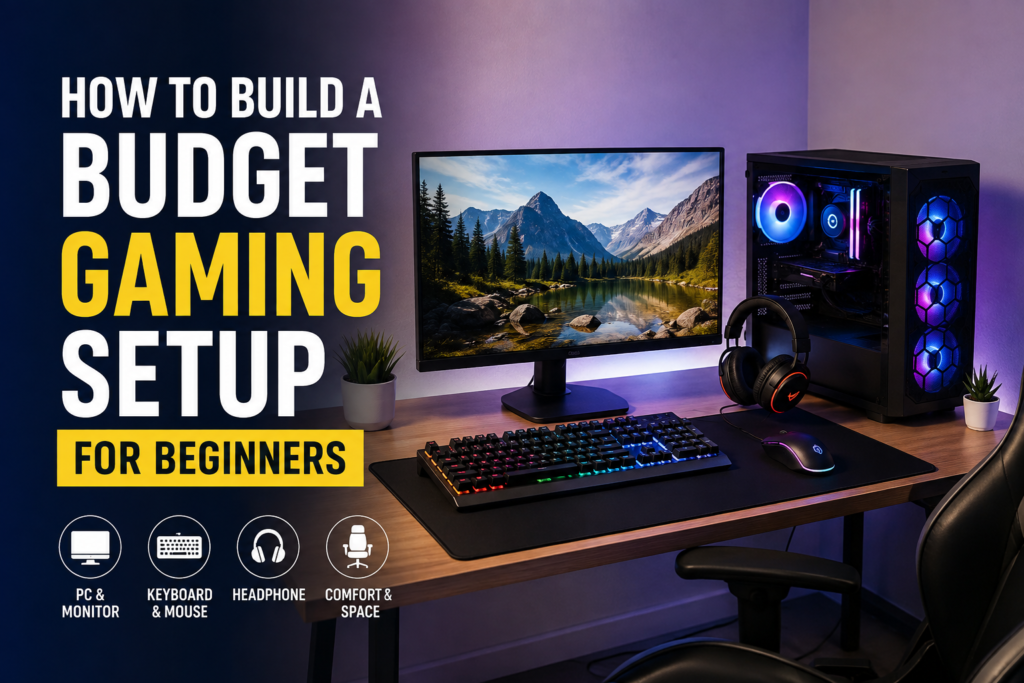
In my opinion, beginners should prioritize gaming performance, a decent monitor, a comfortable keyboard and mouse, good audio, and a suitable place to sit. Decorative accessories should come later.
You also do not have to create your entire setup in one day. Starting with basic equipment and upgrading slowly can be a much smarter approach.
The most important thing is to enjoy gaming rather than worrying about how expensive your setup looks.
A simple computer on an ordinary desk can provide countless hours of entertainment. You do not need the most expensive hardware, the biggest monitor, or the brightest RGB lights to have a great gaming experience.
If I were building my first gaming setup today, I would spend carefully, compare different options, avoid unnecessary accessories, and put most of my budget into performance and comfort. Once those basics were covered, I would slowly improve the setup over time.
That is the approach I recommend to any beginner who wants to build a gaming setup without spending more money than necessary.